
Browse all docs
Configure your sites
Unhappy-customer Alerts
Unhappy-customer alerts email you the moment a visitor says something that reads as dissatisfaction, such as a refund or chargeback demand, a late-delivery complaint, or strongly negative sentiment. The point is simple: get a person in front of an upset customer while there is still time to save them.
Where it lives
Open the Sites tab, select a site, and click Alerts in the site card. Owners, admins, and marketeers can edit it, and the settings are per site.
How it works
A background check reads new visitor messages a few times an hour, flags the ones that sound unhappy, and emails your recipients with the visitor and a link to the conversation. It is tuned to catch genuine dissatisfaction, not every mildly negative word, so you are not buried in noise.
Turn it on and pick recipients
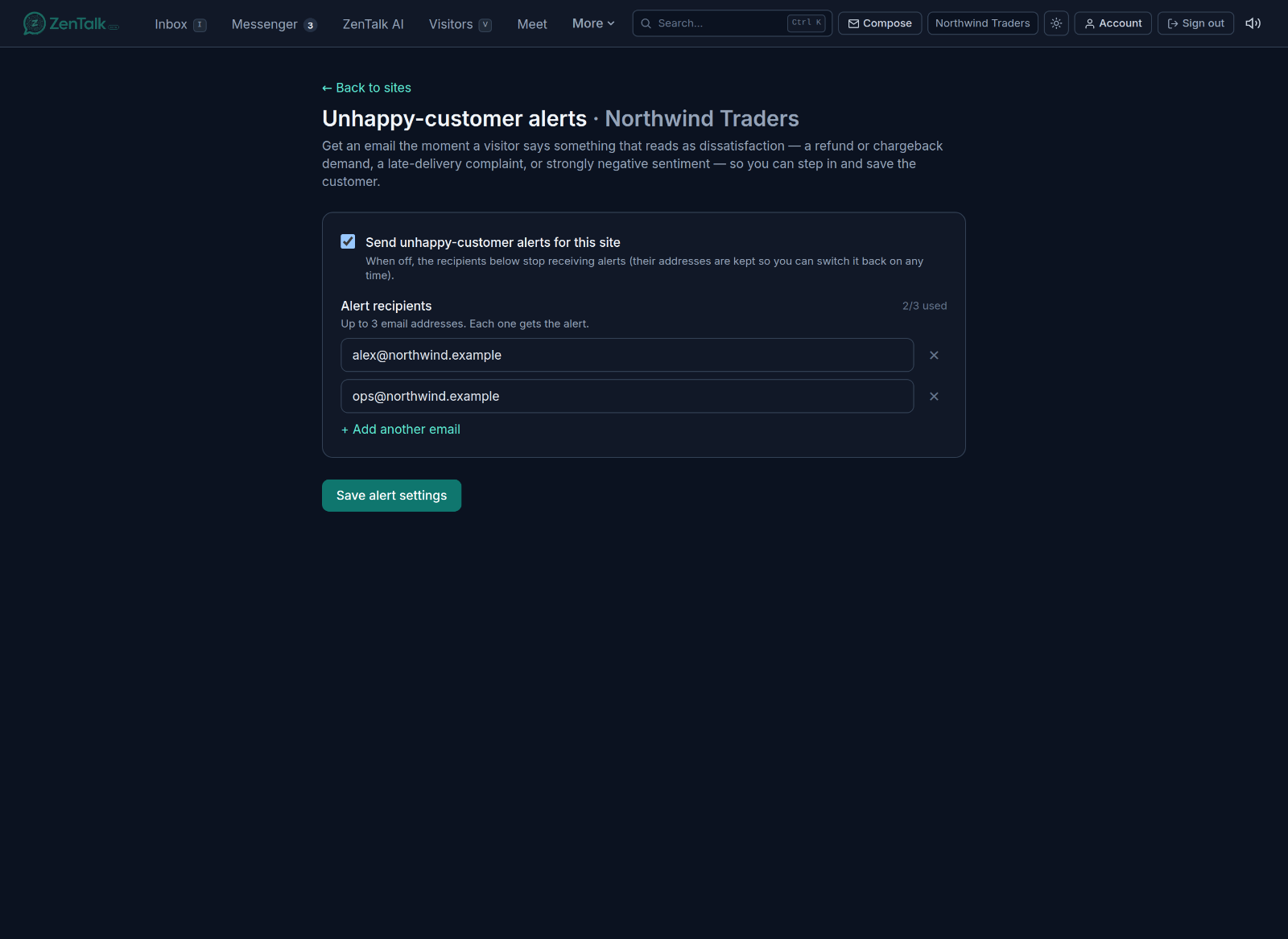
- Send unhappy-customer alerts for this site: the on and off switch. When you turn it off, your recipient list is kept, so you can switch it back on later without retyping addresses.
- Alert recipients: up to three email addresses, each of which gets every alert. Use the field to type an address and Add another email to add more. Remove one with the cross next to it. The counter, such as 2 of 3 used, shows how many slots are left.
Suspicious sign-up alerts
A second switch, Alert me about suspicious sign-ups, emails the same recipients when a run of sign-ups on this site looks fabricated rather than from real, distinct people. The typical pattern is one device producing many sign-ups while the IP address keeps changing, often through a VPN, to hit a target.
Flagged sign-ups are marked Suspicious on the Leads page. Click View flagged sign-ups to open the Suspicious sign-ups page, where each card shows one device and the sign-ups it produced. Nothing is ever blocked; this is for your review.
Related
Dissatisfaction signals also feed Insights, where you can see sentiment trends across a site rather than one conversation at a time.